
Apps and downloads
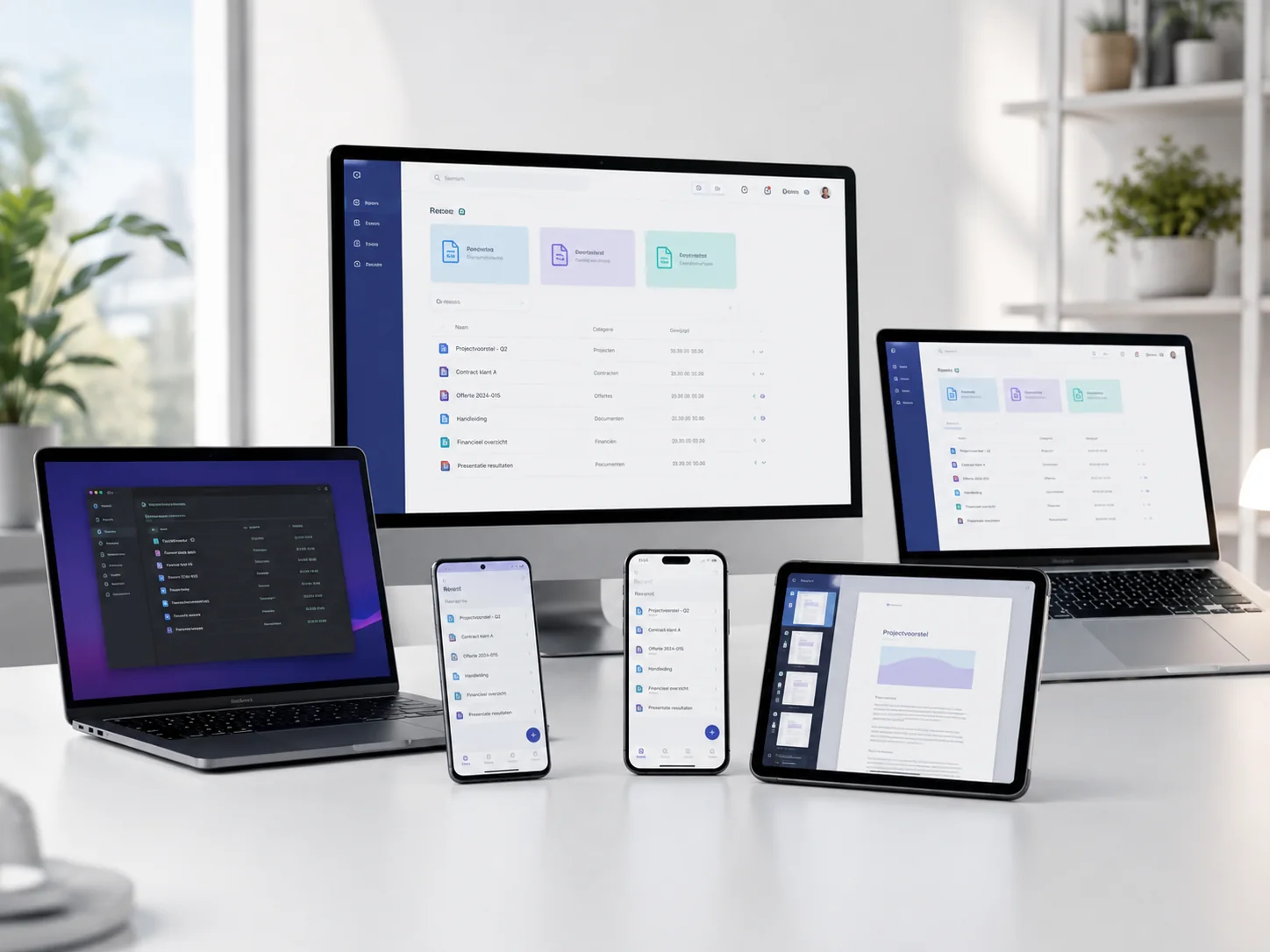
Everything that brings AnnTac to your workplace: the installation hub, the desktop connection, the mobile app, the two Outlook plugins and the network scanner for paper mail. Download what you need; the rest works with your archive automatically.
AnnTac Launchpad
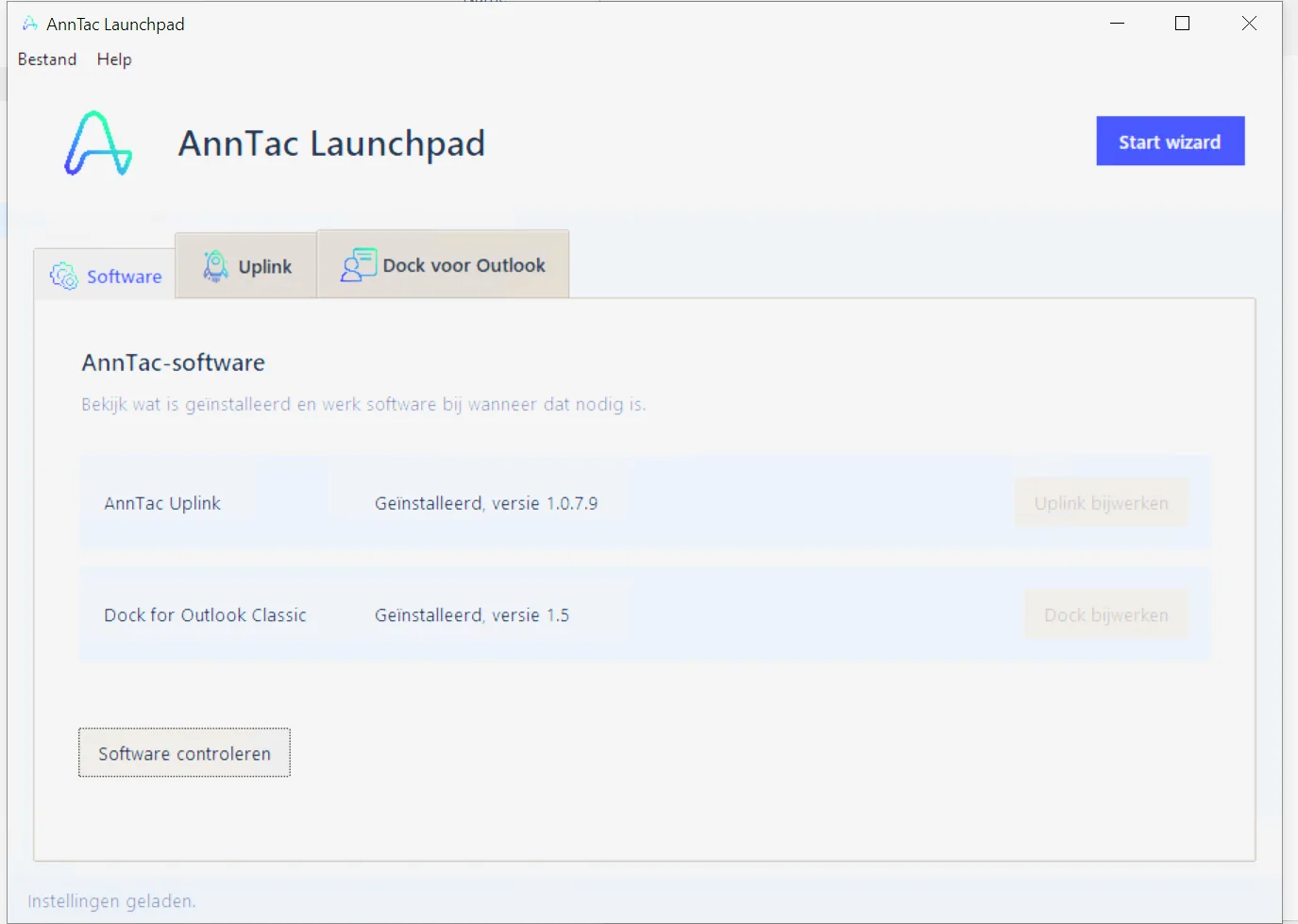
Launchpad is the fixed starting point on every Windows workstation. It checks whether Uplink and Dock for Outlook Classic are installed and up to date, installs or updates whatever is missing, and then configures the Outlook archiving profiles through a simple wizard. One click on Start wizard and the workstation is ready.
Launchpad only downloads signed AnnTac installers over a secure connection and verifies them before installation. Secrets such as passwords are never shown or written to logs.
- Checks, installs and updates Uplink and Dock for Outlook Classic
- Wizard for archiving profiles, statuses and notes
- Available in five languages
- Secure, digitally signed installations
For Windows 10 and 11, together with the classic Outlook desktop app.
Uplink
Uplink is the desktop connection to your archive. Files you stage are sent to AnnTac automatically, where machine learning recognises, names and files them in the right case file. You can always see when the last upload succeeded and how many files were sent.
Uplink can start with your computer and works in the background; automatic uploading is a single switch. Each user can activate 2 workstations on Horizon and 3 on Infinity; switching is self-service in the customer portal.
- Automatic uploads to the archive
- Starts with your computer
- Status of the last upload at a glance
- For Windows and Mac
On Windows, Launchpad installs and manages Uplink for you.
My AnnTac app
With the My AnnTac app you archive on the go. Taking a photo of a document is enough: the app crops and cleans it and sends it to your archive, where it lands in the right case file automatically.
The app is part of every edition, from Base to Infinity, and uses the same secured connection as the rest of the platform.
- Scan with the camera, cropped automatically
- Straight into the right case file
- Included with every edition
- For iPhone and Android


Available in the App Store and Google Play.
Dock for Outlook Classic
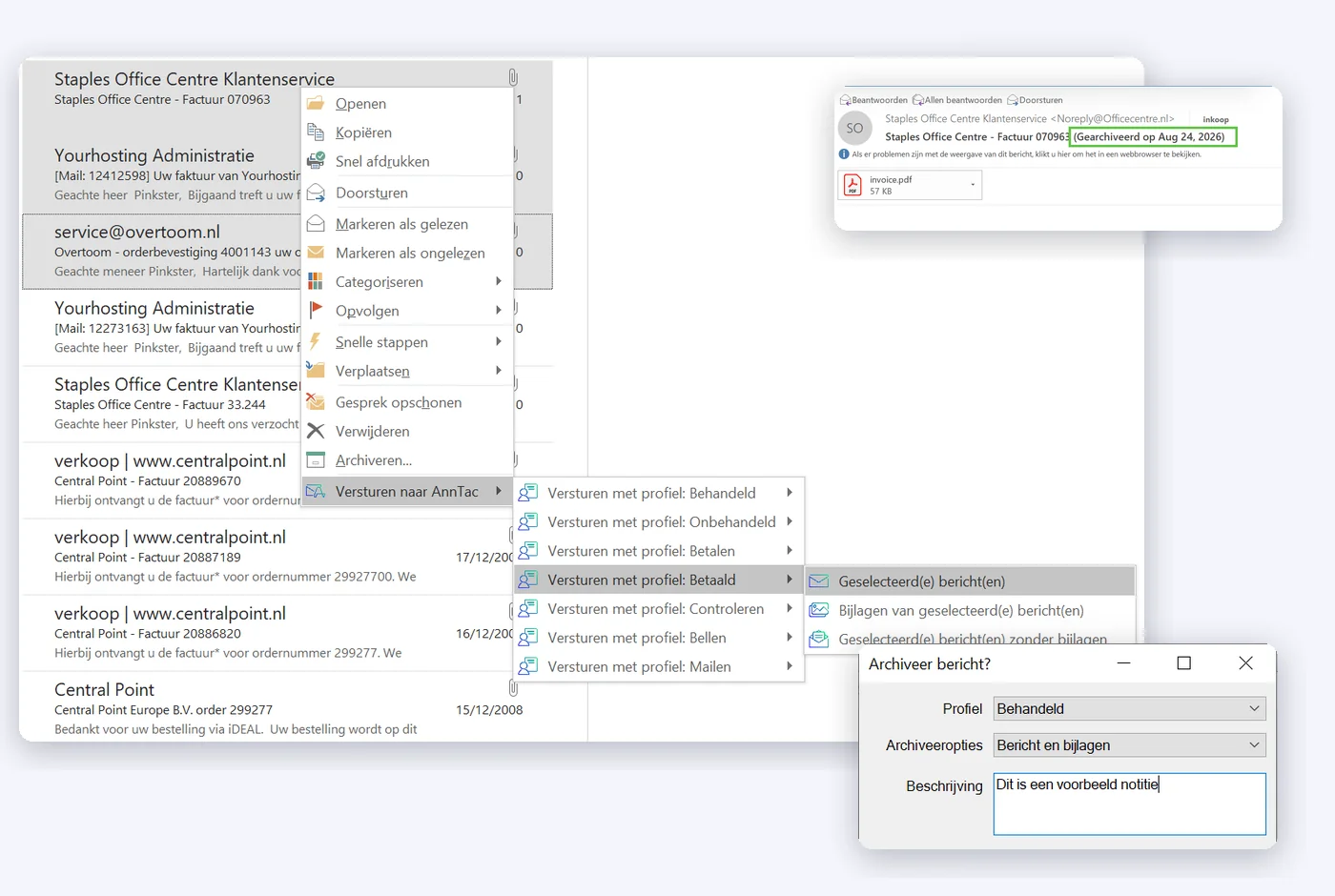
Dock adds archiving to the classic Outlook on your computer. You archive emails and attachments with your own profiles: each profile sets the status (such as Handled or Pay) and whether a note may be added. Every email lands in the case file with the right context.
You decide what happens after sending: do nothing, archive immediately or ask first. Installation and profile management run through Launchpad, so nobody has to adjust settings by hand.
- Your own archiving profiles with status and note
- Configurable behaviour after sending email
- Installation and management through Launchpad
- For the classic Outlook desktop app
Download Launchpad; it installs and configures Dock for you.
Dock for Outlook Online
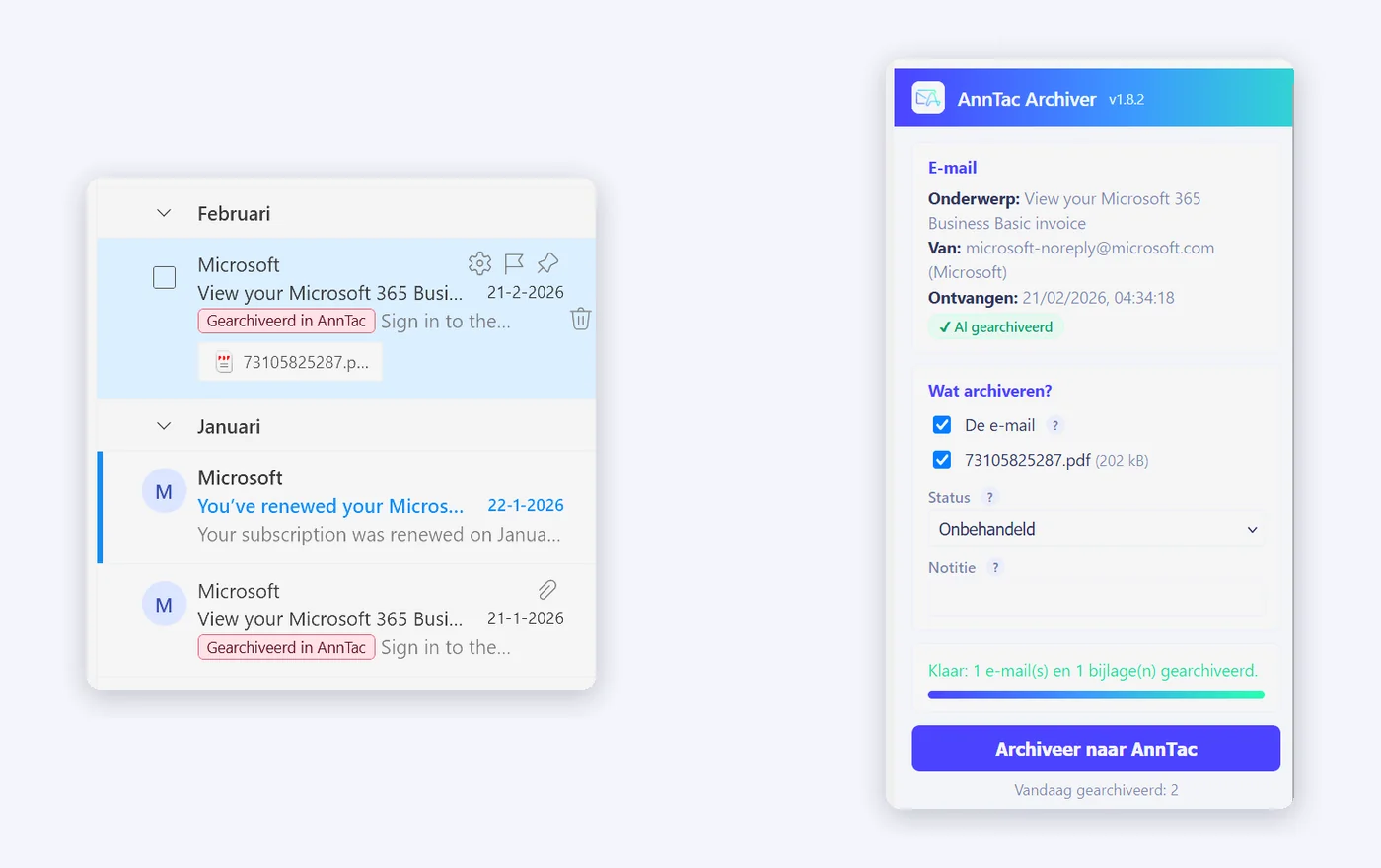
Dock for Outlook Online puts one button in Outlook: archive to AnnTac. The email goes to the archive complete and unchanged, with the status and note you choose; attachments are selectable one by one. Archived emails get a green label, so you can see at a glance what has been filed and never archive twice.
Archive up to 100 emails at once, with a progress bar and summary. For fast workers there is Quick archive: open, one click, done. Nothing needs to be installed; the plugin works in Outlook on the web, the new Outlook and classic Outlook.
- One button, nothing to install
- Status and note per email, attachments selectable individually
- Up to 100 emails at once, with a green label
- Quick archive for one-click filing
Assigned centrally; contact us and we enable the plugin for your organisation.
AnnTac Scanner
Paper mail belongs in the archive too. The AnnTac Scanner is a network scanner that we configure completely in advance: unpack it, connect it to wifi or your network and start scanning. No computer is needed; every scan travels over a secure connection straight to your archive, where the machine learning recognises it, names it and files it in the right case file.
There are two models. Volume (Brother ADS-4700W) scans 35 pages per minute with a 70-sheet feeder. High Volume (Brother ADS-4900W) scans 60 pages per minute with a 100-sheet feeder. Rental is €15 excluding VAT (€18.15 including VAT) per month for Volume or €25 excluding VAT (€30.25 including VAT) for High Volume. Purchase is €525 excluding VAT (€635.25 including VAT) or €780 excluding VAT (€943.80 including VAT), with a 3-year support bundle. The refundable deposit is listed separately at €100 or €150. Rental requires an annual Horizon or Infinity contract. If anything breaks, we arrange a replacement.
- Pre-configured: unpack, connect and scan
- No computer needed; scans straight to your archive
- Volume: 35 pages per minute · High Volume: 60 pages per minute
- Replacement scanner if one breaks
Order via info@anntac.eu. Business and total prices are shown above; the deposit is separate and refunded on return.

Need help installing?
AnnTac Launchpad handles most installations for you. If you get stuck, visit the support page.