
Documents
- Post, email and scans arrive
- Recognise documents and add relevant fields
- A consistent place and focused search
Post, scans, email and client questions arrive from every direction. AnnTac helps automate archiving, structure communication and find documents again. So you can get on with your work.
Launch: Try 90 days, without automatic paid continuation.
 AnnTac in action →
Orbit by AnnTac
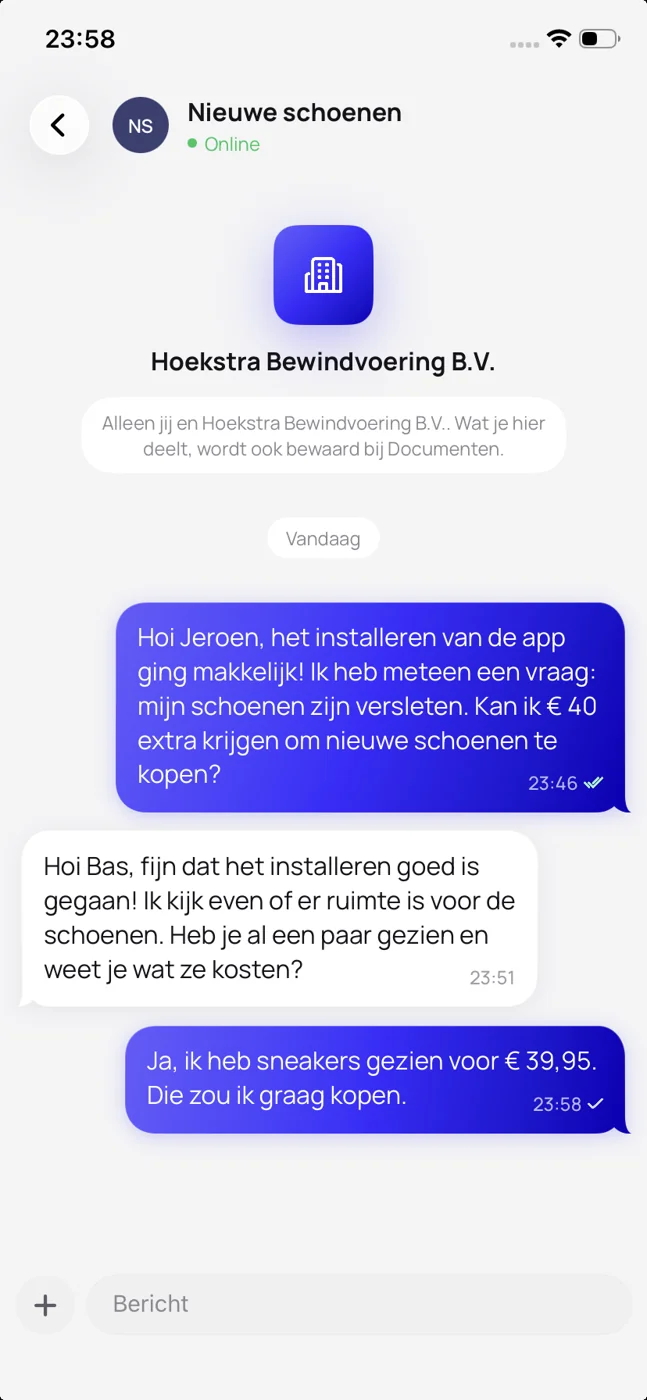
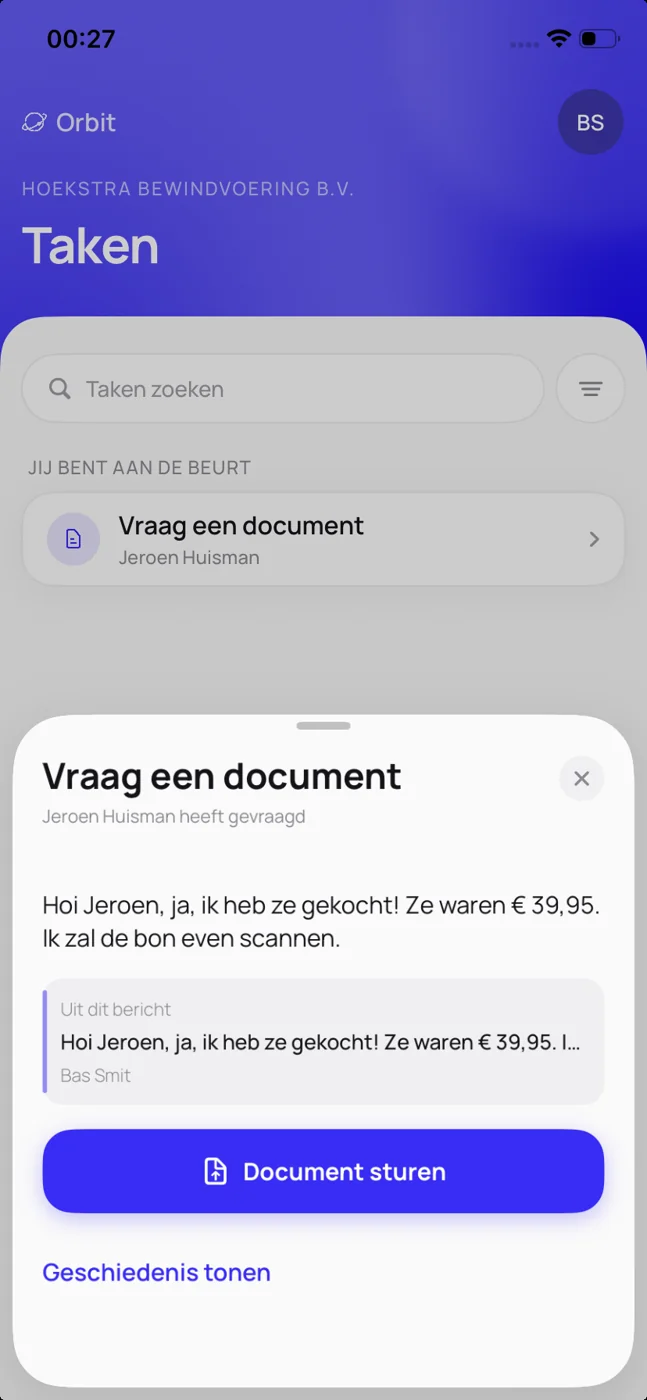
Your client sends a message, document or request in the Orbit app. You follow the conversation and actions in the portal, keeping contact and follow-up together.
Playing loads the video from YouTube. You can also watch it on YouTube.
Watch on YouTube ↗Documents and client contact deserve the same attention. This is how archiving and communication fit together.
Documents

Orbit: communication and tasks
See what is happening, find the documents and keep working.
Orbit is running as a pilot. Available apps, integrations and the way information comes together depend on your product and setup.
Choose what you need today. Your selected product follows you into the request.

For personal or business use: start free with Base Free, then choose more capacity and features when you need them.
Personal
For an individual business user building a dedicated archive.
Try 90 days, without automatic paid continuation.
For one user or a team needing desktop features or integrations.
For one user or a team needing desktop features or integrations.
Personal help available
For organisations that want to agree on configuration, scale and support.
For organisations that want to agree on configuration, scale and support.
By agreement
All amounts include VAT.
In products with smart recognition, AnnTac reads the document and proposes the details. You check and decide.
Example for illustration.
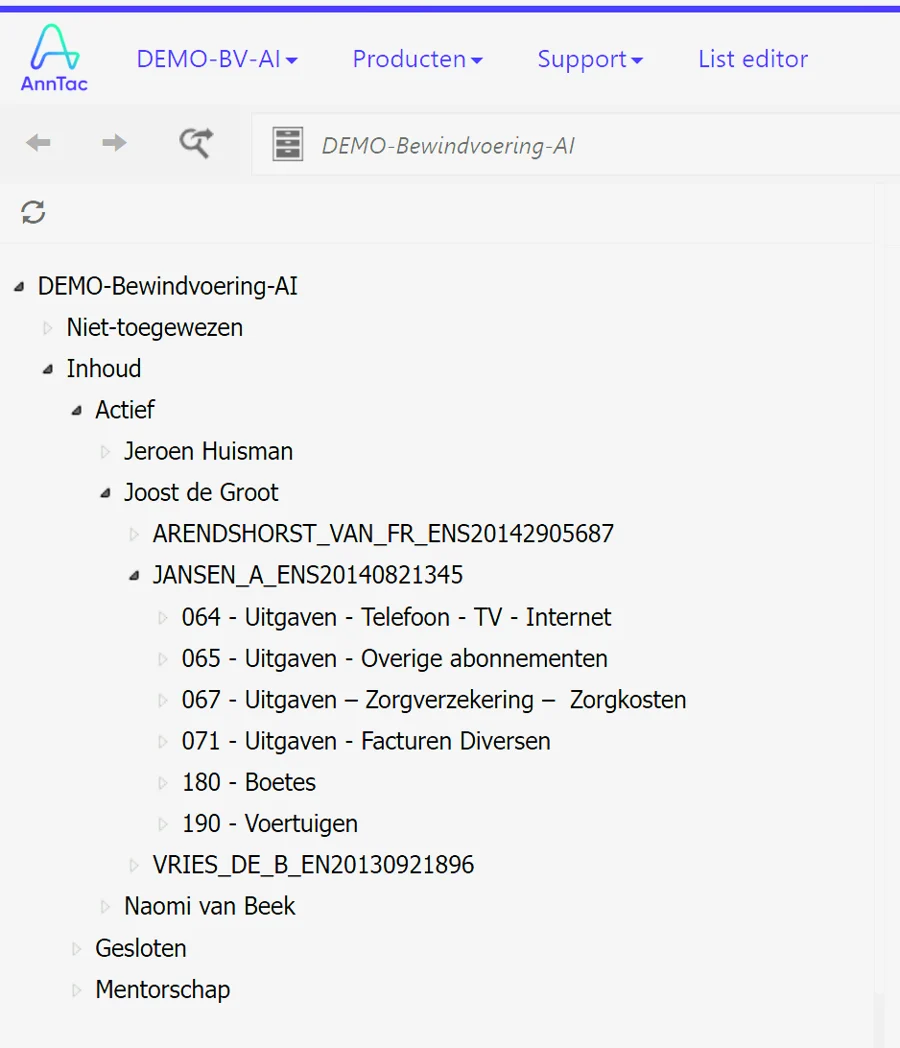
Three views from the software itself.
Cases, document types and years in a tree that grows with your organisation.
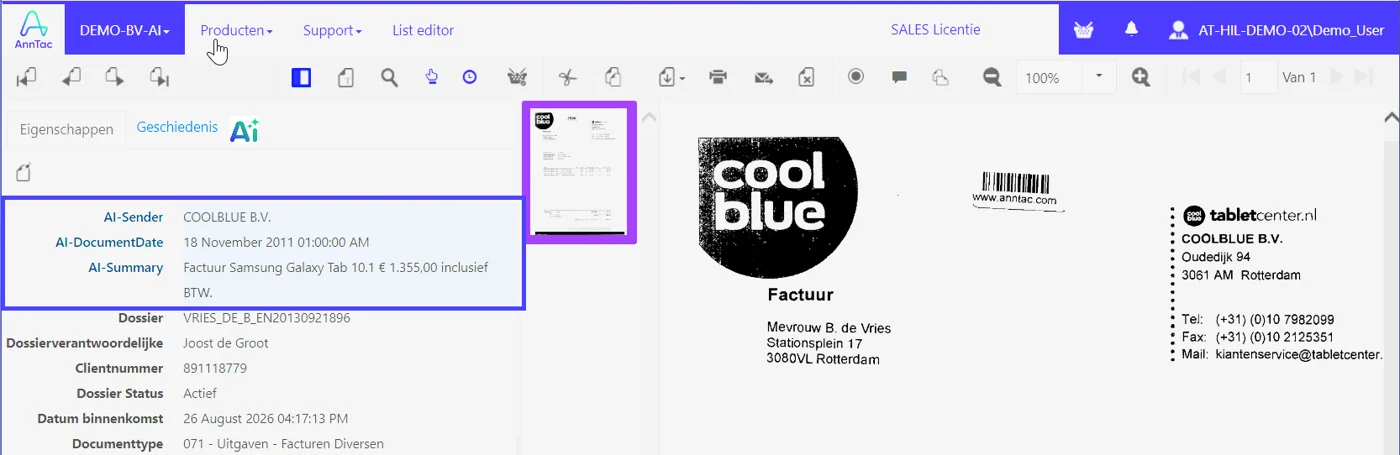
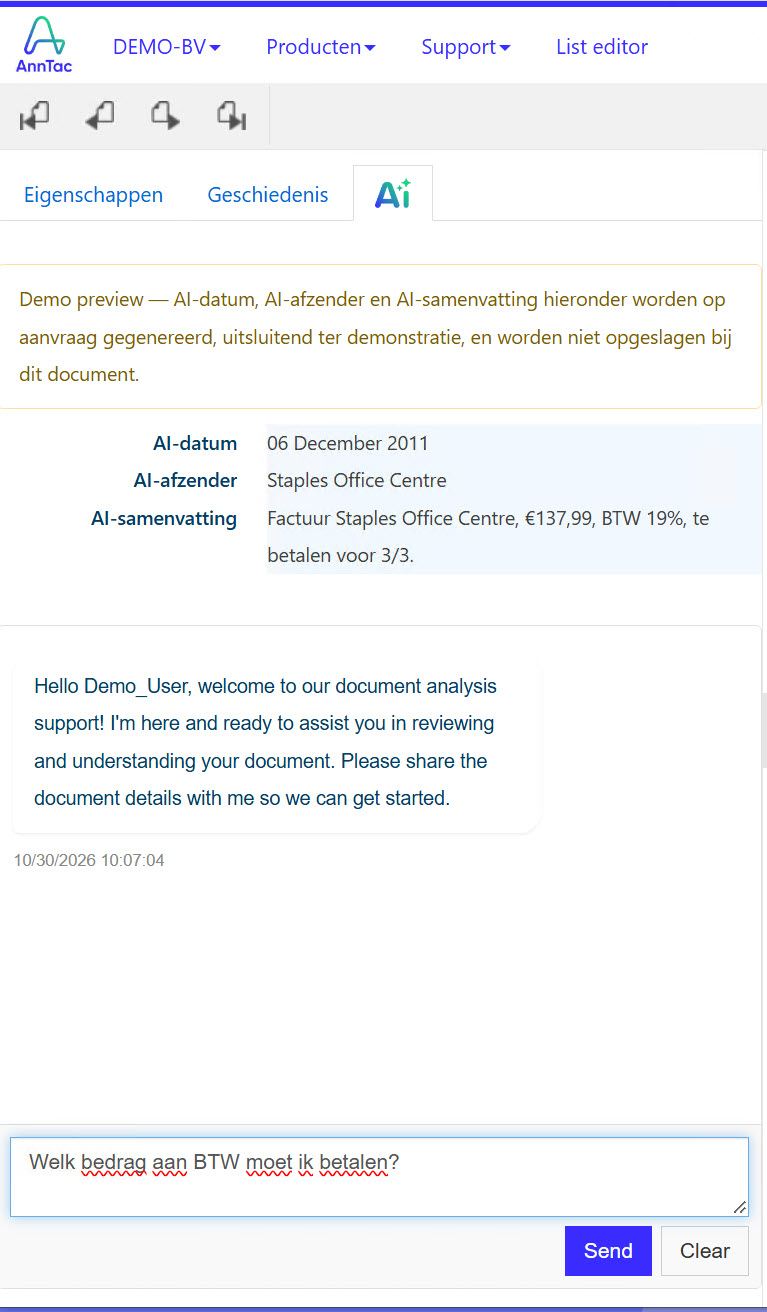
Sender, document date and a summary next to the details of the case.
Search for a word from the content and see straight away which cases it appears in.
AnnTac does not only search case and file names. Where the feature is available, you search the text inside your documents and jump straight from the result to the document.
AnnTac AI
This demonstration shows suggested sender, document date and summary. Review the result before using it.
A question in WhatsApp. An attachment in email. An action waiting somewhere else. Orbit gives client conversations a subject and keeps questions, answers and tasks together.
Orbit is running as a pilot. Available apps, integrations and the way information comes together depend on your product and setup.
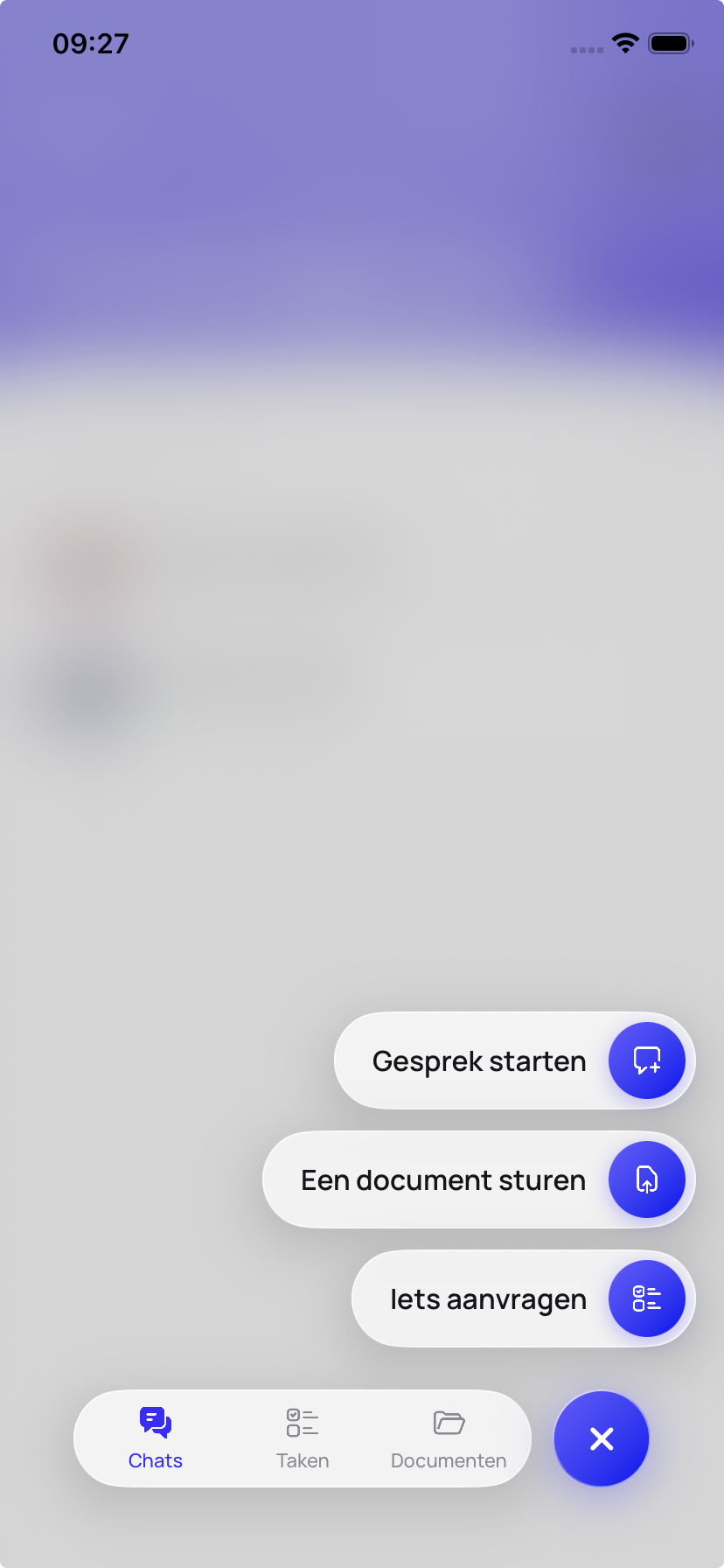
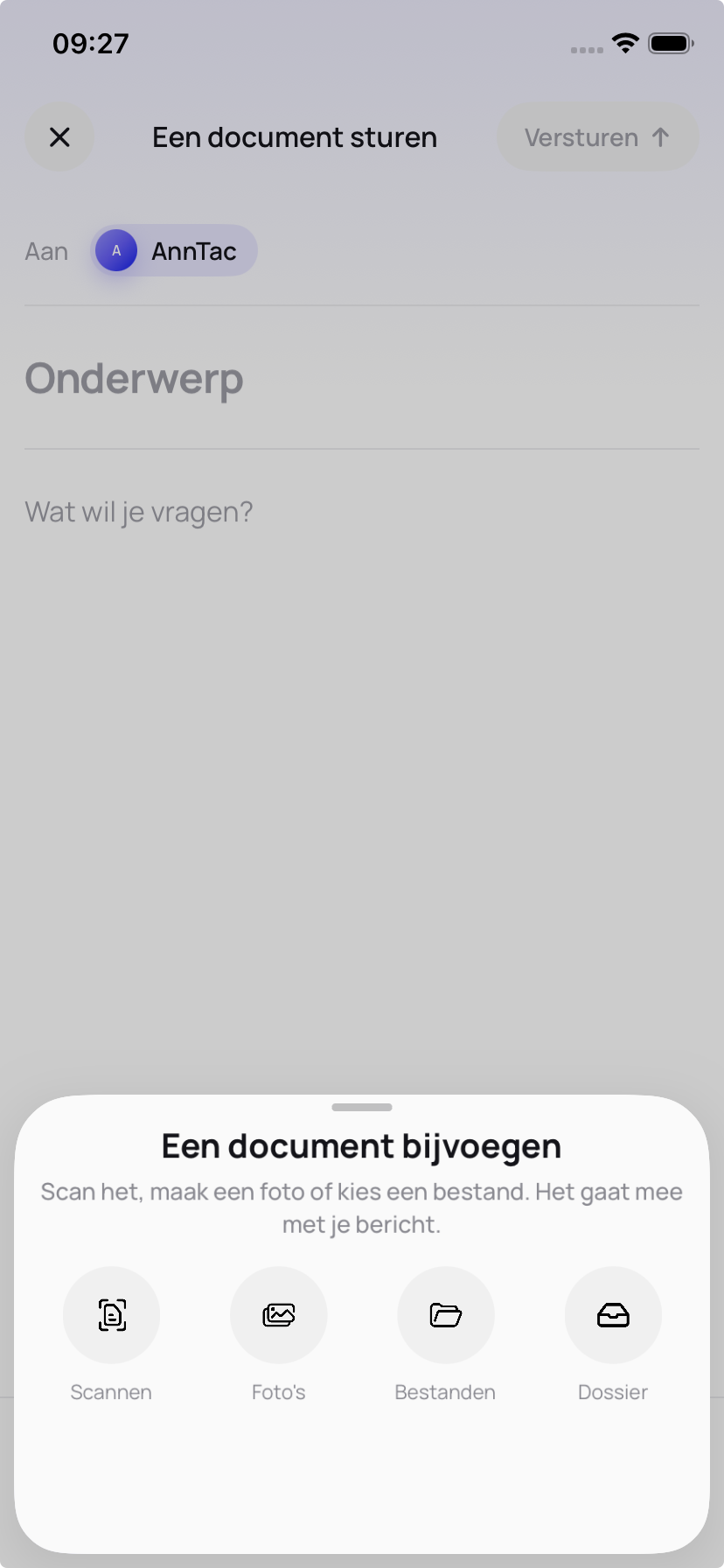

Your client uses the Orbit app. Your customer chooses the app or the Orbit portal in the browser, with nothing to install.
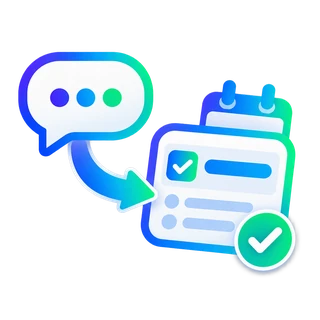
Turn any question in the chat into a task with one click. The task overview shows what is outstanding, and with one click you assign a question or task to the client, or the client to you. Nothing gets stuck in a conversation.
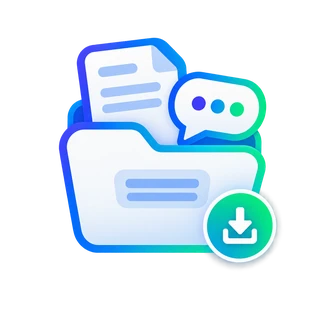
Every message and every document is archived automatically in the right case file. Your accountability is always complete.
Choose a product and agreements that fit your use. For business personal data, processing and responsibilities need to be agreed. Discuss additional requirements beforehand.
See security and agreementsAnnTac is software for organising and finding documents. Suitable apps and setup help automate document work. Orbit is the separate solution for client communication and tasks.
By processing documents automatically where your chosen setup supports it, organising information with fields and making search easier. Savings depend on your work, documents and available apps.
Launch is the business entry product for one user. Horizon suits a team, or one user needing desktop functionality or integrations.
Yes. Orbit can also be requested without an AnnTac archive. It is running as a pilot; we discuss setup and available integrations with you.
No. The Wizard helps with industry suggestions and document fields. You see an example and can adjust the structure.
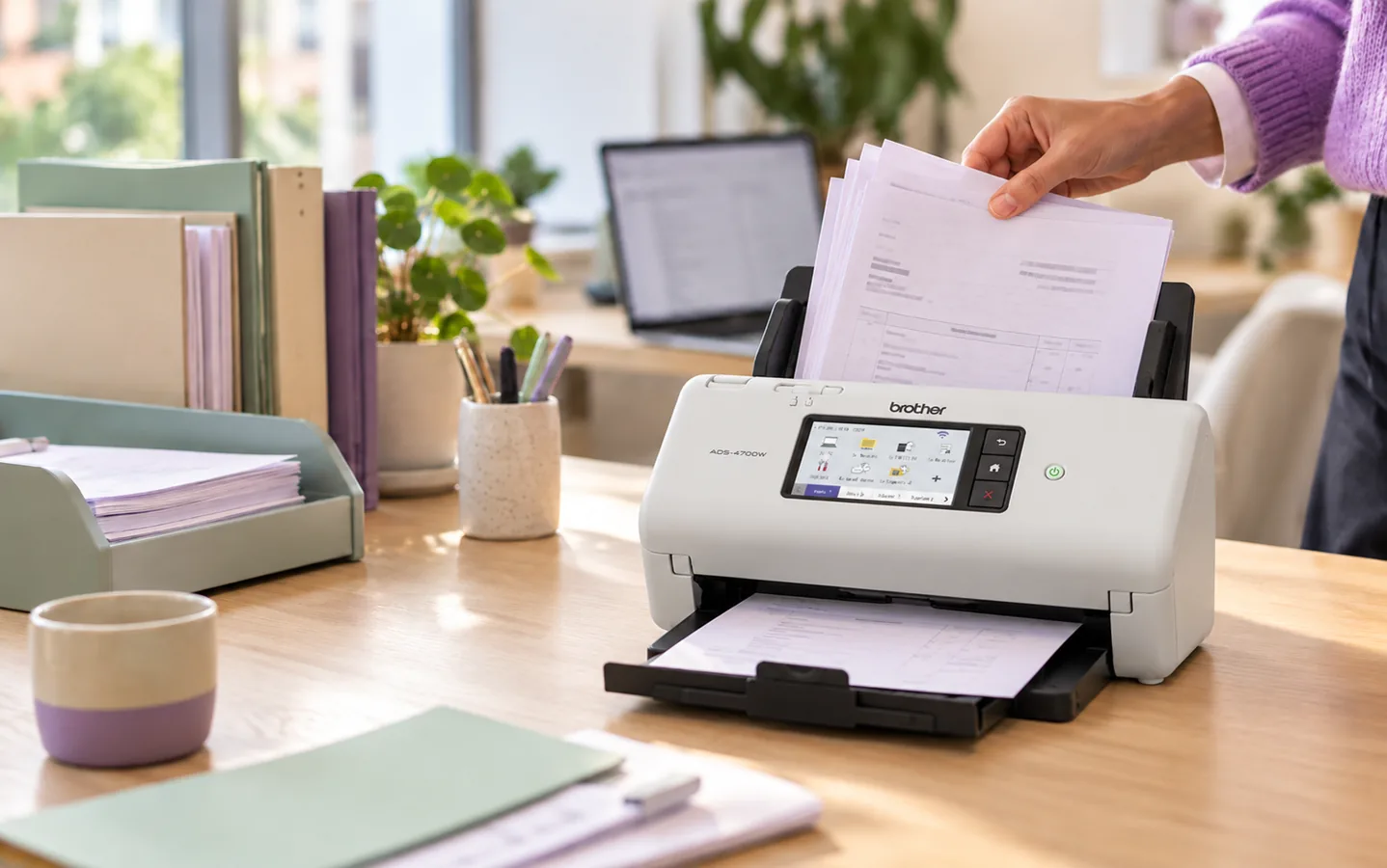
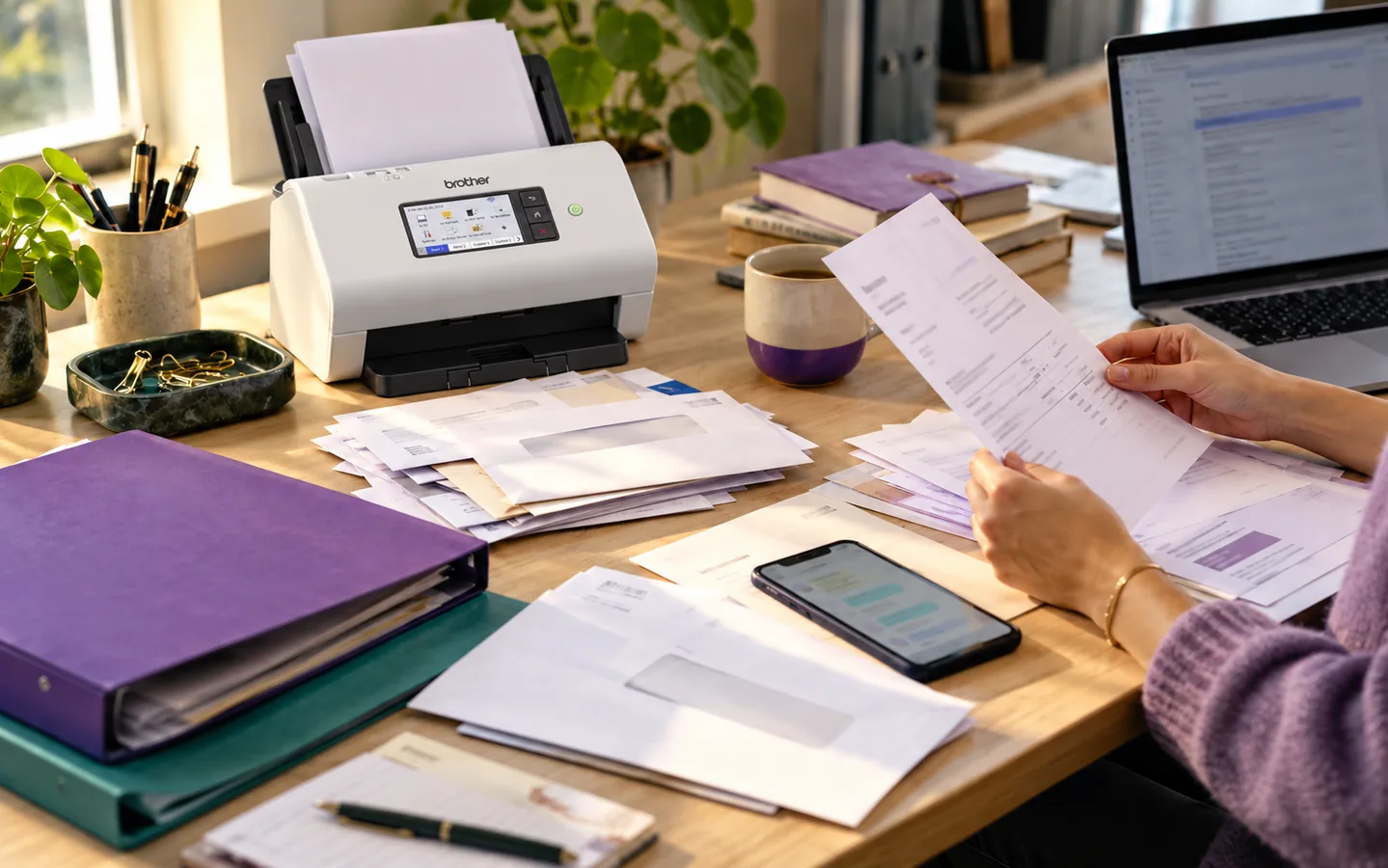
An invoice here, a letter there. The right delivery route and recognition keep documents moving towards your archive.
Through a suitable app, scanning route or integration.
A file, document type, date or another relevant field.
Find what you need without searching scattered locations again.
Brother × AnnTac
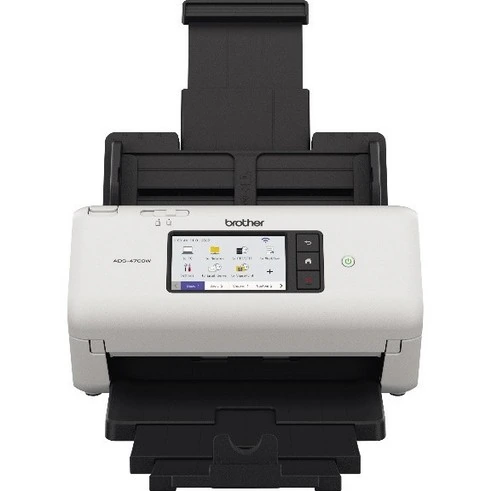
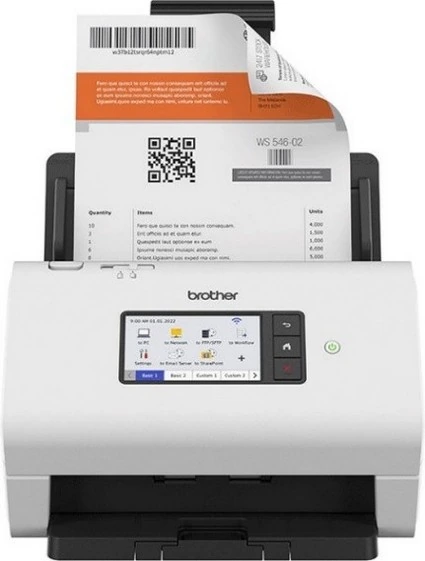
Brother ADS-4700W and ADS-4900W. We match the scanning workflow to your product and setup.
From your first document to your own archive arrangement. Practical help for the next step.
See the first stepsAfter 90 days, you choose whether to continue with paid Launch. Otherwise, Launch features stop; you may request Base Free if its limits fit. Personal and business use are possible. Paid continuation or data deletion does not happen silently.