
Updated on 8 October 2026. Current rental prices and terms are on the scanner page.
A choice that saves time
For years, we helped customers with many different scanners and multifunction printers. Many work well, but settings, drivers and scan quality also caused problems: oversized files, unreadable scans or barcodes that were not recognised.
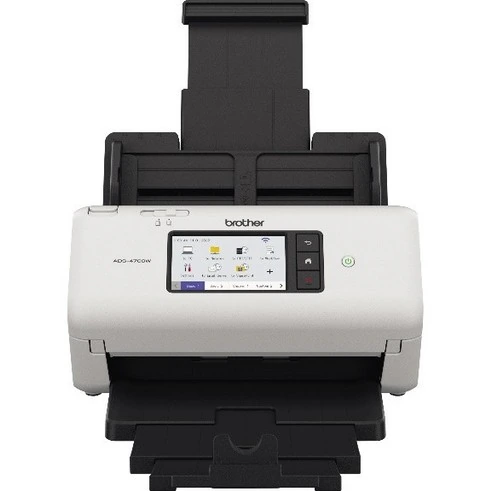
AnnTac therefore selected two professional Brother models: the ADS-4700W and ADS-4900W. We tested them with our software and configure them in advance. Pages are straightened, blank pages removed and barcodes recognised. You connect the scanner to your network and use the prepared scan profiles.
Straight to your archive
The scanner sends documents straight to your AnnTac archive over a secure connection. No computer sits in between. Contact support with questions or problems. If the problem cannot be resolved, you receive a replacement scanner within 2 working days.
AnnTac supplies scanners and related services, including reconfiguration, at cost. The aim is a reliable archive and less hassle for customers. You can now rent a scanner with an annual AnnTac subscription. Rental follows that subscription term.
Your own scanner remains an option
Already have a scanner that works well? You can keep using it. Scan to your computer and send the files with AnnTac Uplink, or upload them through the portal. Uplink is available for Windows and macOS.
You manage installation, settings and scan quality for your own scanner. AnnTac does not support these. The scanner page compares both options and provides rental prices and current guides.